Admin and operations dashboard
One screen showing the numbers that matter, built around the decisions your team actually makes.
Most businesses run on a patchwork of spreadsheets, group chats and one tool that almost fits. I build the single internal system that replaces that patchwork — dashboards, permissions and workflows structured around how your business actually operates.
Tell me which spreadsheet or manual process is costing your team the most time right now.
Concrete deliverables, not a retainer with vague scope.
One screen showing the numbers that matter, built around the decisions your team actually makes.
Repetitive manual steps — approvals, notifications, status updates — moved into the system instead of a person's daily checklist.
Every role sees and does exactly what it should, enforced at the API level, not just hidden in the interface.
Information currently scattered across spreadsheets and tools brought into one structured, queryable system.
Filterable reports and CSV/Excel export for the numbers finance and management keep asking for by hand.
Where time is actually being spent today, and which of it is manual work a system could absorb.
Entities, relationships and permissions structured around your real org chart, not a generic template.
Dashboard and workflow core shipped early enough that your team is testing it against real data within weeks.
The manual steps identified in discovery moved into automated rules and notifications.
Deployment, data migration and a walkthrough so the team owns the system from day one.
Case studies where I delivered exactly this kind of work.
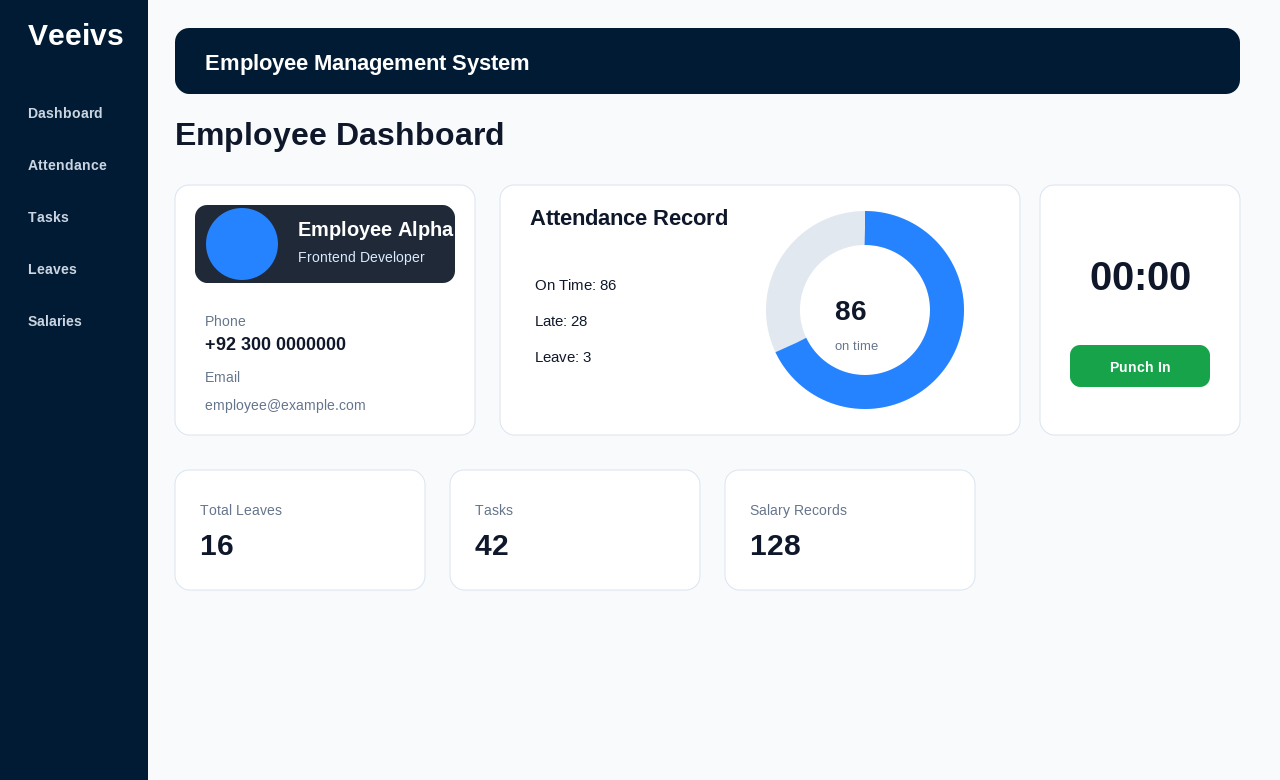
A production employee management system for Veeivs covering attendance, leave, HR records, salaries, role-base…
Read case study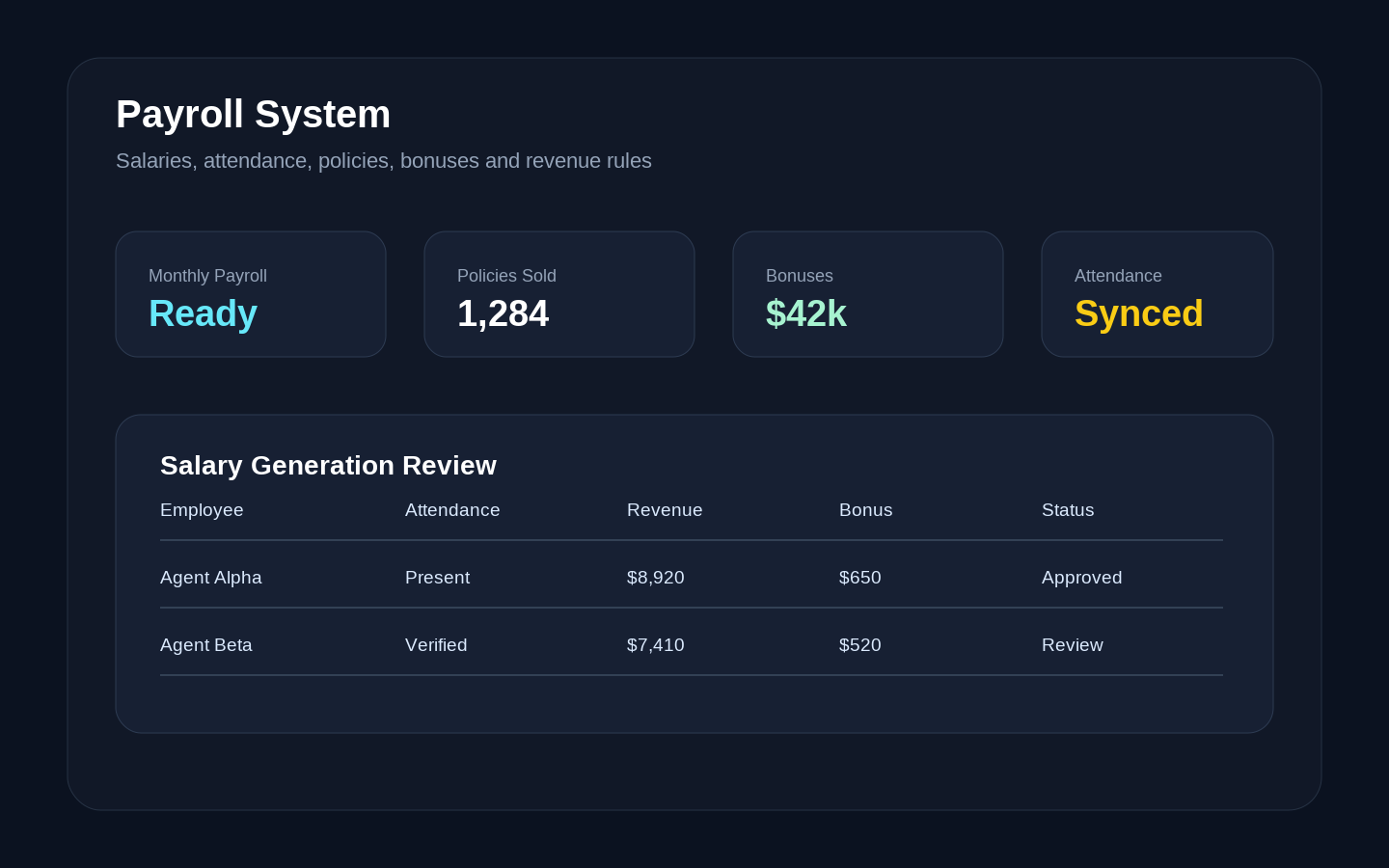
A payroll and salary processing system for tracking attendance, leads sold, policies, bonuses, revenue and mon…
Read case study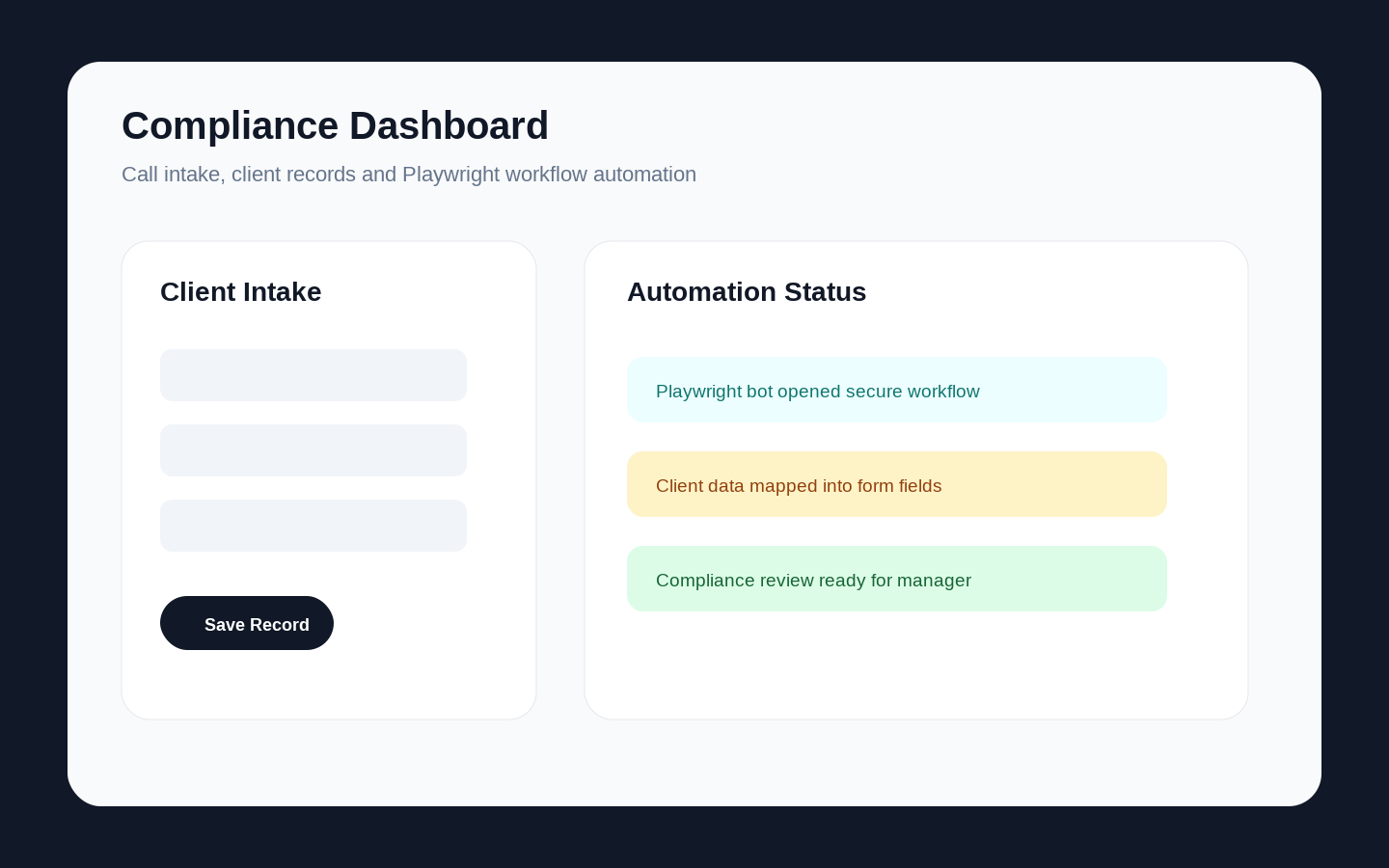
A compliance workflow dashboard that captures client data from calls, fills structured records and drives Play…
Read case study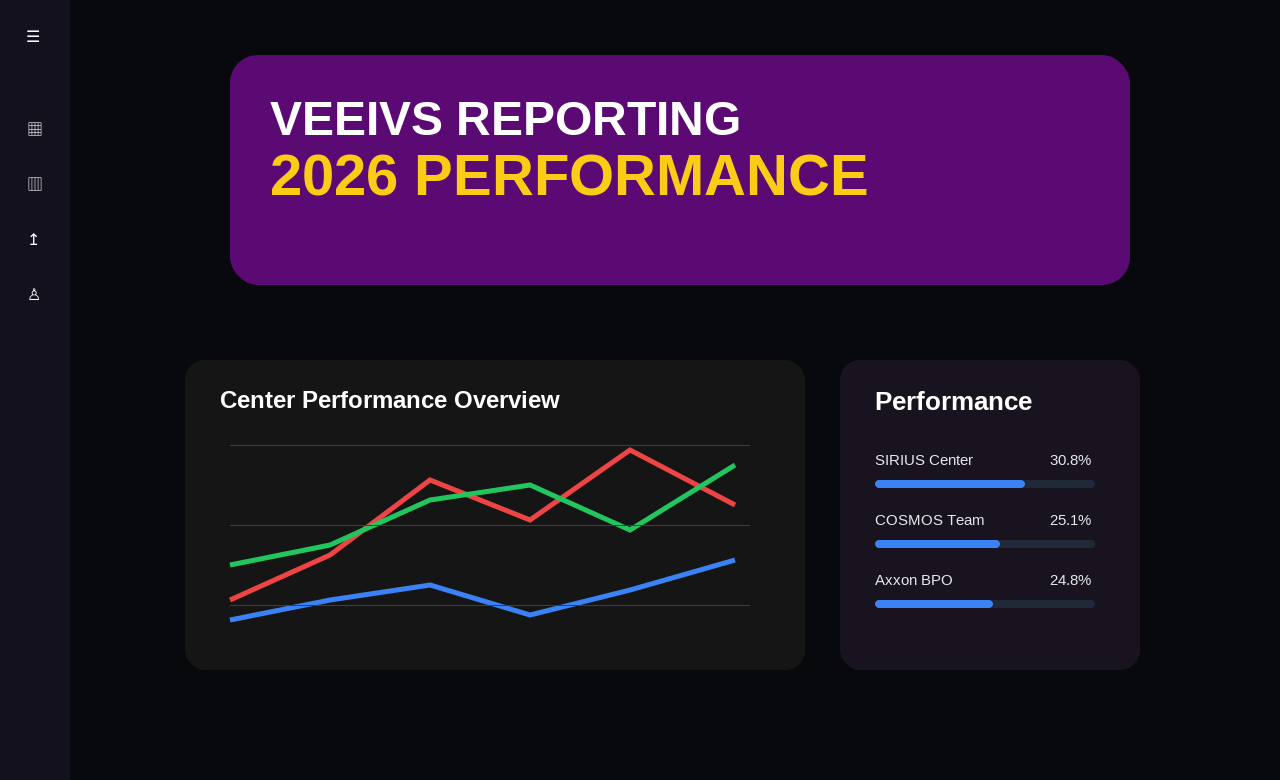
A SaaS reporting and ranking platform for multi-branch performance: live centre stats, agent and team lead ran…
Read case studyFree guide
Building a SaaS platform from idea to paying customers: MVP scope, tenancy, billing and the dashboards users open every day.
FAQ
Tell me which spreadsheet or manual process is costing your team the most time right now.
Send project detailsOther services