01Why subscription billing is harder than it looks
Getting a customer through Stripe Checkout is quick. Keeping your application's idea of who has paid for what in sync with Stripe, across trials, upgrades, failed cards, retries, cancellations and refunds, is where SaaS billing gets difficult.
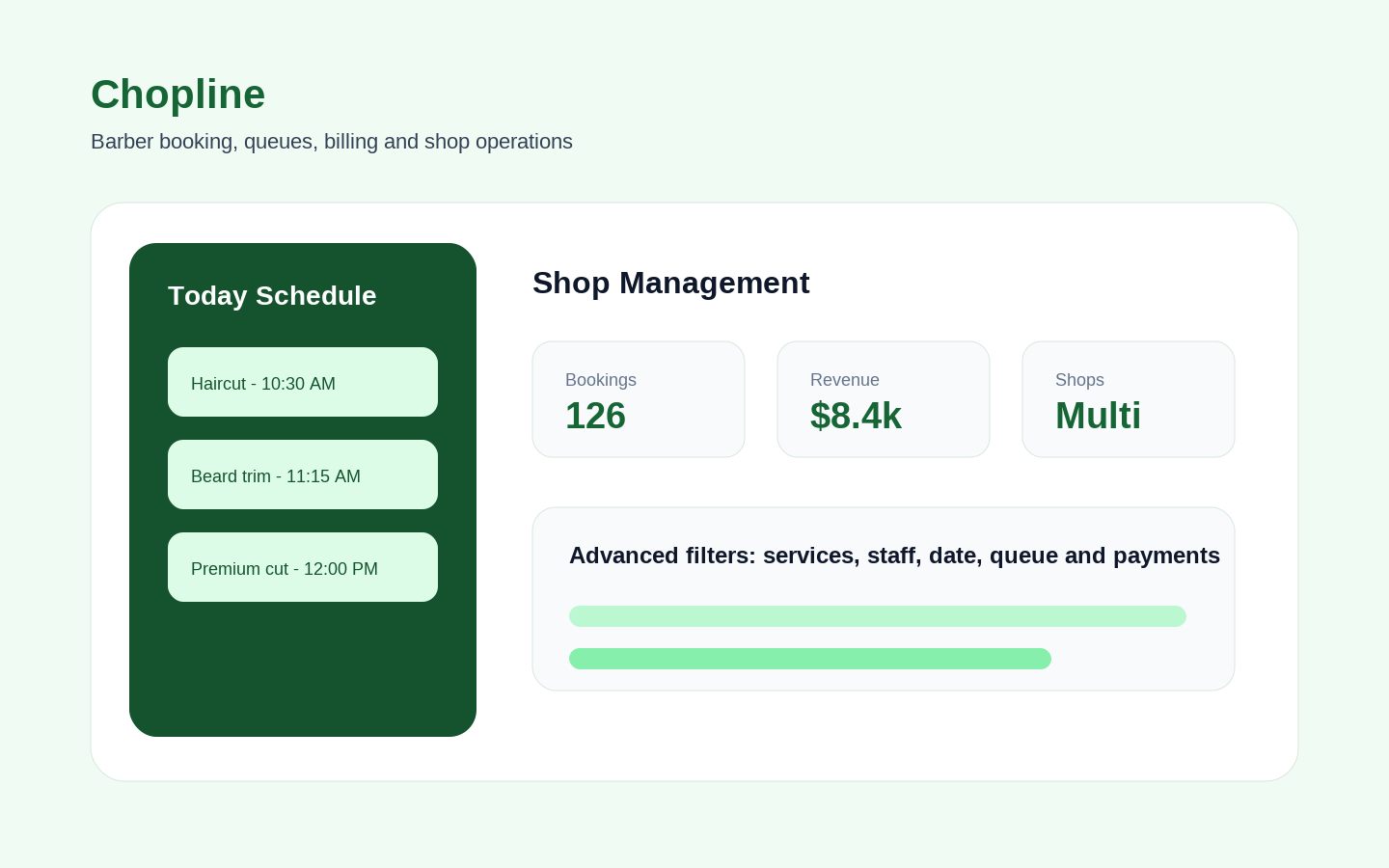
I have built Stripe billing and webhook flows on the CallLoom call tracking platform and Stripe payment workflows on the Chopline booking product. The lessons below come from that work: most billing bugs are not about charging money, they are about state drifting between two systems.
Billing is one part of the wider build covered in my SaaS development guide. If you are still deciding what belongs in version one, read what to include in a SaaS MVP first; one plan and a trial is usually enough at launch.
02Modelling plans, prices and trials in Stripe
In Stripe, a Product is what you sell and a Price is how you charge for it: an amount, a currency and a billing interval. A plan with monthly and annual options is one Product with two Prices. Reference prices from your code by lookup key rather than hard-coded IDs, so test and live environments stay in step and you can replace a price without a deploy.
Keep the pricing structure simple at the start. Flat per-tenant plans or per-seat plans cover most early SaaS products. Per-seat pricing means the subscription quantity must change whenever members are added or removed, so wire that into your invitation and removal flows rather than reconciling later.
For trials, decide whether you require a card up front. Card-required trials convert differently from no-card trials and attract a different kind of sign-up, and the code paths differ: without a card you need a clear end-of-trial flow that prompts for payment and a defined state for tenants whose trial expires unpaid.
- One Stripe Customer per tenant, not per user.
- Store the Stripe customer ID and subscription ID on the tenant record.
- Use price lookup keys in code, never raw price IDs.
- Define what a tenant can do after the trial ends without payment.
03Stripe webhooks are your source of truth
The redirect after checkout tells you the customer probably paid. The webhook tells you they did. Card authentication, delayed payment methods and network failures all mean the redirect can arrive without a completed payment, or never arrive at all. Subscription state in your database should change because of a verified webhook, not because a browser landed on a success page.
The events most SaaS products need are checkout.session.completed, customer.subscription.created, customer.subscription.updated, customer.subscription.deleted, invoice.paid and invoice.payment_failed. Subscribe only to the events you handle.
Always verify the signature. In Django that means a CSRF-exempt view that reads the raw request body and passes it with the Stripe-Signature header to stripe.Webhook.construct_event using your endpoint secret. In Node with Express, mount that route with express.raw so the body is not parsed as JSON first, because signature verification fails on a re-serialised body.
Respond quickly. Verify, store the event and return a 2xx, then do the real work in a background job such as a Celery task or a Node queue worker. Stripe retries failed deliveries, and a slow handler that times out will be called again while it is still running.
The success page is for the user. The webhook is for your database. Never let the first one write billing state.
04Idempotency and out-of-order events
Stripe delivers webhooks at least once, not exactly once, and not necessarily in order. Your handler will see duplicates, and it may see a subscription update before the creation event it depends on. Billing code has to be correct under both conditions.
For duplicates, store each event ID in a table with a unique constraint and skip any event you have already processed. For ordering, do not trust the event payload as the latest state: when a subscription event arrives, fetch the current subscription from the Stripe API and write that to your database. The result is the same no matter which order events arrive in.
For your own outgoing calls, send an idempotency key on every request that creates something, such as a subscription or an invoice item, derived from your own record ID. If the request times out and your job retries, Stripe returns the original result rather than creating a duplicate charge. This is the same principle I describe in building integrations that fail safely.
- Unique constraint on processed event IDs.
- Re-fetch the subscription from Stripe instead of trusting the payload.
- Idempotency keys on every create call, derived from your own IDs.
- Handlers safe to run twice with the same input.
05Entitlements: gating features without checking plan names
The quickest way to make pricing changes painful is to scatter checks like if plan equals pro through the codebase. Every new plan, discount or custom deal then needs a code change in many places.
Instead, keep an entitlements table: for each tenant, which features are enabled and what limits apply, such as seats, projects or monthly usage. Webhook handlers update entitlements when the subscription changes, and application code only ever asks whether this tenant has this entitlement. In Django that fits naturally in a small service function or a permission class; in Node, a middleware that loads entitlements onto the request.
Entitlements belong to the tenant, which is why your tenancy model and billing model have to agree. I cover tenant boundaries in multi-tenant SaaS architecture decisions. Entitlements also give you an easy way to grant a custom deal or extend a trial by hand from your admin panel without touching Stripe.
06Usage-based and metered billing
Metered billing charges for consumption, such as calls, messages, API requests or processed files. Stripe supports this through meters: you report usage events and Stripe aggregates them into the invoice for each billing period.
Do not send a usage event to Stripe on every user action in the request path. Record usage in your own database first, as the system of record, then report aggregated totals to Stripe from a scheduled job with an identifier that makes each report idempotent. If the job fails, it can safely run again, and you always have your own numbers to reconcile against the invoice.
Show customers their current usage inside the product. Surprise invoices are one of the fastest routes to churn and support tickets, and a simple usage bar against the plan limit prevents most of them.
07Proration, upgrades and downgrades
When a customer changes plan mid-cycle, Stripe can prorate: credit the unused time on the old price and charge for the remaining time on the new one. You control this with the proration behaviour setting on the subscription update.
The pattern I recommend is to apply upgrades immediately with proration, so the customer gets the new features straight away and pays the difference, and to schedule downgrades for the end of the current period, so they keep what they paid for. Subscription schedules handle the deferred change cleanly.
Downgrades need product decisions too. If a tenant drops to a plan with fewer seats or projects than they currently use, decide whether you block the downgrade, archive the excess or put the account into a read-only state. Make that rule explicit before launch, because support will meet it in the first month.
08Dunning, failed payments and going live
Cards expire and payments fail. Dunning is how you recover them: Stripe can retry failed invoices automatically and email customers to update their card, and the customer portal gives them a self-service place to do it. When invoice.payment_failed arrives, move the tenant to a past-due state, show an in-app banner and keep access during a defined grace period before restricting features.
Before going live, test the whole lifecycle in test mode. The Stripe CLI can forward webhooks to your local server, and test clocks let you simulate trial expiry, renewals and failed payments without waiting a month. Keep separate test and live keys per environment, and never point staging at a live webhook secret.
For a production example of this combination of Stripe billing, webhooks, SMS and email flows in a multi-tenant product, see the CallLoom SaaS dashboard case study. If you need subscription billing built or untangled in an existing product, it is a core part of my SaaS development work and my payment and API integration services.
- Past-due state with an in-app banner and a defined grace period.
- Customer portal enabled for card updates, invoices and cancellation.
- Full lifecycle tested with test clocks before launch.
- Separate keys and webhook secrets for every environment.