01The short answer: most businesses should start by buying
If you sell to other businesses through a fairly standard funnel — lead, qualified, demo, proposal, won or lost — Salesforce, HubSpot and their competitors are excellent. They have years of polish, mobile apps, email and calendar sync, and a marketplace of integrations you will not match in a first release of custom CRM software.
That is an awkward thing for a CRM developer to say, but it is true, and saying it is how I know the projects I do take on are the right ones. A custom CRM is a commitment: you own the roadmap, the hosting and the bugs. It needs to buy you something a subscription cannot.
This article is part of my broader guide to custom CRM development. Here I am focusing only on the decision itself.
02When Salesforce or HubSpot is the right choice
I recommend an off-the-shelf CRM when most of the following are true. If you recognise your business here, spend your budget on configuring the product well and training your team, not on building.
- Your pipeline looks like a normal B2B or B2C sales funnel, and "deal" is a good name for your core record.
- Your team is small enough that per-seat pricing is a minor cost.
- You rely heavily on marketing email, sequences and website tracking, which these platforms do very well.
- You need to be live in weeks, not months.
- You do not have, and do not want, anyone responsible for maintaining software.
- Your reporting needs are standard: pipeline value, conversion by stage, activity by rep.
If the main reason you want a custom CRM is that the current one "feels cluttered", fix the configuration first. Hide fields, simplify stages, and retrain. It is far cheaper than a rebuild.
03When a custom CRM wins
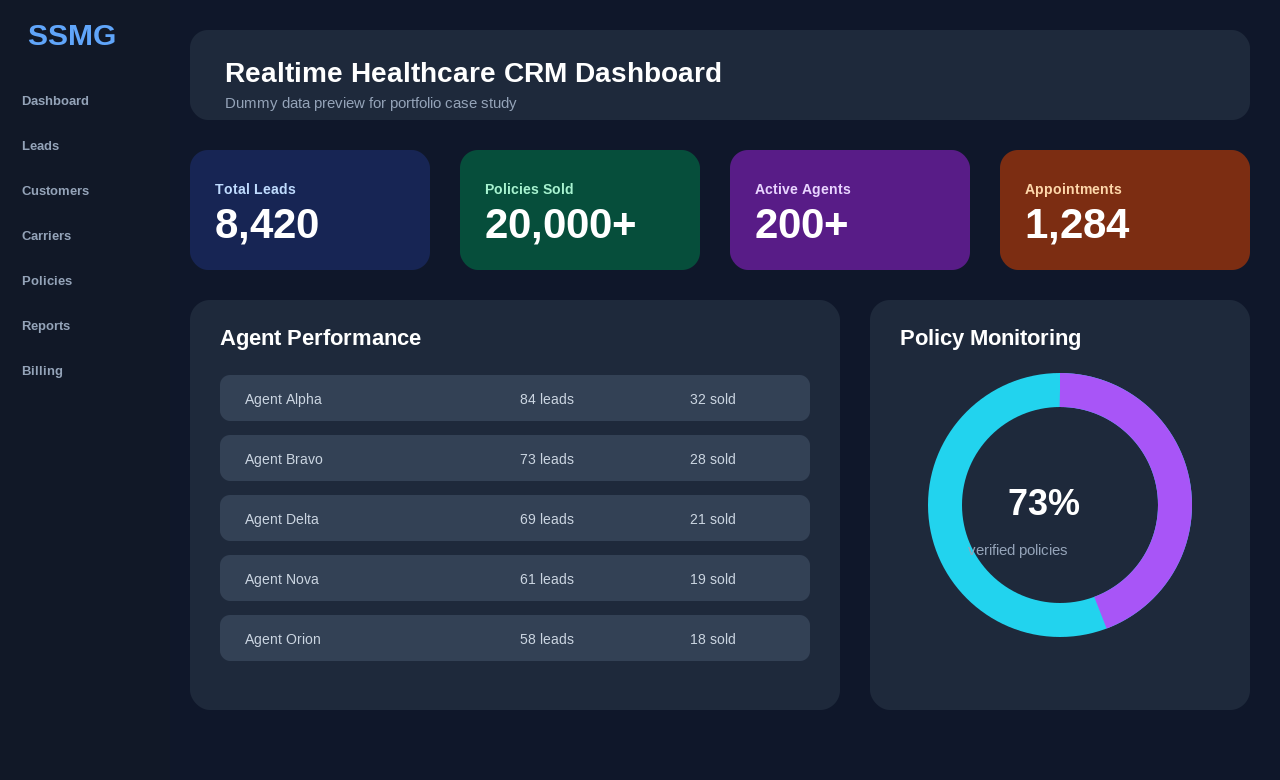
The pattern I see in teams that genuinely need a custom build is that their core record is not a deal. In the healthcare lead generation CRM I built, the work revolved around agents, clients, policies, carriers, appointments and attendance. In the multi-tenant call-centre CRM it was centres, policies, chargebacks and monthly figures uploaded from sheets. You can model those in Salesforce with custom objects, but every report and screen becomes a fight with the platform.
Volume is the second signal. When a large team of agents creates records all day under time pressure, every extra click and every second of page load is multiplied by hundreds of people. A purpose-built form with as-you-type duplicate detection and pre-filled fields can be dramatically faster to use than a general-purpose layout.
The third is rules. If your business has compliance constraints, ownership rules, or calculations (commissions, chargebacks, payouts) that must be exact and auditable, enforcing them in your own backend is often simpler than layering workflow automations on a vendor platform.
- Your core entities do not map to account, contact and opportunity.
- Many seats doing high-volume, repetitive data entry.
- Business rules and calculations that must be enforced, not suggested.
- Data ownership, hosting or privacy requirements the vendor cannot meet.
- You already pay for several add-ons and still keep a spreadsheet on the side.
04Comparing total cost of ownership honestly
Off-the-shelf pricing is per seat per month, and it rises with the edition you need. The features that make a CRM fit a non-standard business — custom objects, advanced permissions, API limits, advanced reporting — often live in the higher tiers. Add implementation partners, paid integrations and the cost of the spreadsheets that still exist alongside it.
Custom CRM costs are front-loaded: an initial build, then ongoing hosting and maintenance. There are no per-seat fees, so the economics improve as the team grows. But maintenance is real. Budget for bug fixes, security updates and small improvements every month, or the system will decay.
Do the comparison over three years, not one. For a small team the subscription almost always wins. For a large agent team with a non-standard process, the comparison often flips. If you want a sense of build budgets, my piece on what a full stack developer costs gives typical ranges and what drives them.
05Speed, flexibility and lock-in
Buying is faster to start. Building is faster to change once it exists. With your own CRM, adding a field, a stage or a report is a small change in your own codebase, deployed when you choose. On a vendor platform, the same change might be trivial or might be blocked by an edition limit or an admin who left.
Flexibility has a cost too. A custom CRM only changes as fast as someone can build the change. If you do not have a developer on retainer or in-house, small requests queue up, and the system can end up feeling more rigid than the vendor product you left.
Lock-in runs both ways. With a vendor, your data and automations live on their platform and exporting history cleanly can be harder than expected. With a custom build, you are tied to the codebase and whoever maintains it. Protect yourself either way: insist on clean exports, documented data models, and code you own outright if you build.
06The hybrid option most people overlook
You do not have to choose one system for everything. A common pattern I recommend is a focused custom system for the operational core — lead intake, routing, duplicates, agent workflow, calculations — that syncs a small set of fields to an off-the-shelf tool used for marketing email and campaigns.
The key is deciding which system is the source of truth for each field and making the sync one-directional wherever possible. Two systems both editing the same field is how you end up with conflicting data and a team that trusts neither. That sync is a standard API development and integration job, and it is far smaller than building marketing automation yourself.
07A decision checklist you can use today
Before you talk to any vendor or developer, answer these honestly. If most answers point to buy, buy. If most point to build, check the CRM features checklist to scope a first release, and plan the move off your current system early, because migration is where projects most often slip.
- What is the core record your team works every day, and is "deal" a good name for it?
- How many people will use the CRM daily in a year, and what will seats cost at that size?
- Which rules or calculations must be enforced exactly, and can the vendor do that?
- Where does your data need to live, and who must be able to export it?
- Who will maintain the system after launch, whichever route you take?
- What spreadsheets exist today alongside your current CRM, and why?
If you are leaning towards building, my custom CRM development service starts with exactly this conversation — and sometimes ends with a recommendation to buy.