01What is a custom CRM, really?
Custom CRM development means building a customer relationship management system around your own records, pipeline stages, roles and reports, instead of bending your team to fit a generic product. It is still a CRM: contacts, leads, deals, activities, owners and reports. The difference is that every one of those concepts is shaped by how your business actually works.
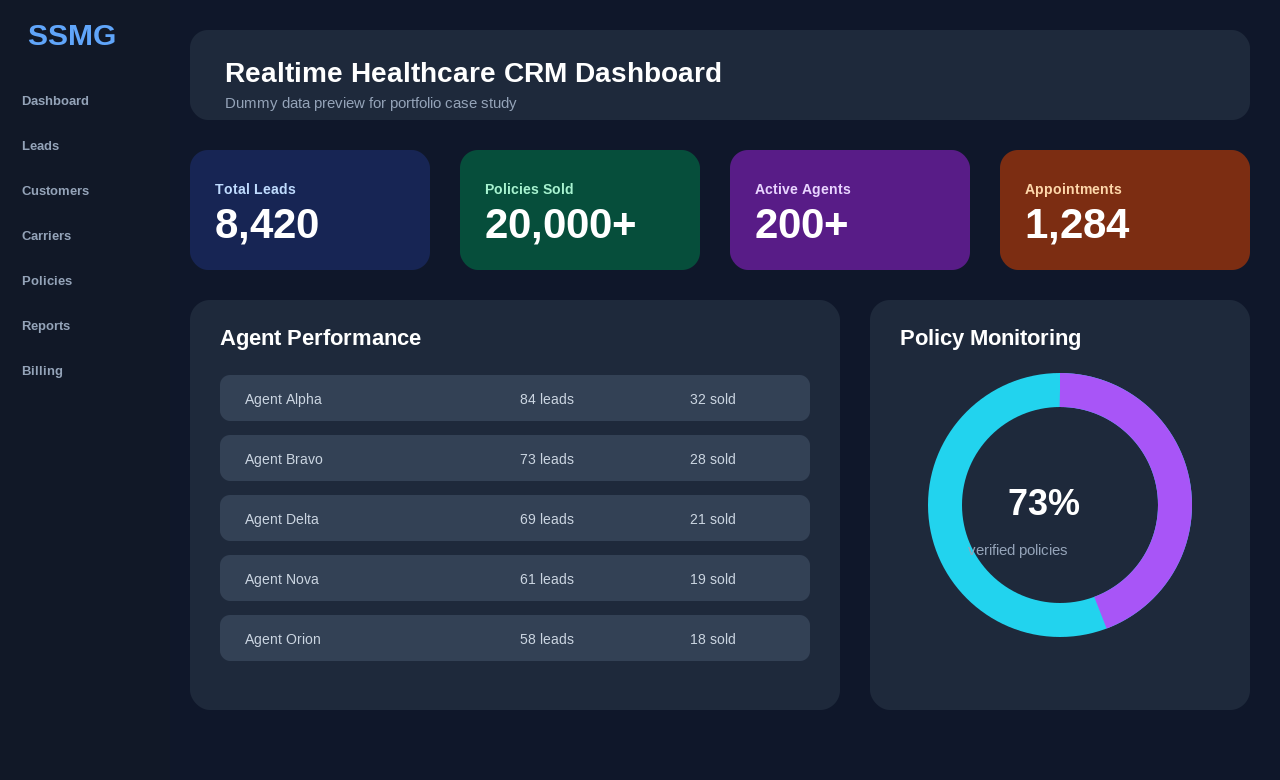
I have built several of these — a lead generation CRM used in production by a large healthcare agent team, a multi-tenant lead and policy CRM for call centres, an operations CRM for revenue, audits and salaries, and a few more. In every case the client already knew what a CRM was. What they needed was one that understood their words: policies instead of deals, centres instead of teams, chargebacks instead of lost revenue.
That is the honest definition. Custom CRM software is not more features than Salesforce or HubSpot. It is fewer, better-fitting features, with your rules enforced in the system rather than in a training document nobody reads.
If your team keeps a spreadsheet next to the CRM to track the thing that actually matters, you are already running a custom CRM — just a fragile one.
02Should you build or buy a CRM?
Buying is the right default for most businesses. If your sales process is a fairly standard funnel — lead, qualified, proposal, won or lost — a mature product will serve you well, and you get mobile apps, email sync and a marketplace of integrations on day one.
Building starts to win when the off-the-shelf tool needs so many custom objects, paid add-ons and workarounds that you are effectively building a CRM anyway, just on someone else's platform and pricing. It also wins when per-seat licensing for a large team of agents becomes a major line item, or when compliance and data ownership rules make a shared SaaS platform awkward.
I wrote a full, honest comparison of custom CRM vs Salesforce and HubSpot, including the cases where I tell clients not to hire me and to buy instead. The short version is below.
- Buy if your process is standard, your team is small, and you mainly need contact management, email tracking and a pipeline board.
- Build if your core record is not a "deal" (policies, enrolments, vehicles, shipments, centres) and the off-the-shelf model fights you.
- Build if you have many agents doing high-volume, repetitive data entry where per-seat costs and click counts both matter.
- Build if you need to own the data, host it in a specific place, or enforce rules the vendor cannot.
- Consider a hybrid: a small custom system for the core workflow, syncing to an off-the-shelf tool for marketing email.
03Core modules every custom CRM needs
Whatever the industry, the same backbone shows up in every CRM I build. The names change; the shape does not. Getting these right in the first release matters more than anything clever you add later.
Lead and contact management is the centre: capture, edit, search and assign records. Around it you need a pipeline or status model, activities and notes, tasks and follow-ups, users with roles, and at least basic reporting. Everything else — chat, attendance, commissions, document storage — is domain-specific and should earn its place.
I keep a detailed CRM features checklist split into must-have and nice-to-have for scoping calls. It is the fastest way I know to stop a first release from turning into an eighteen-month project.
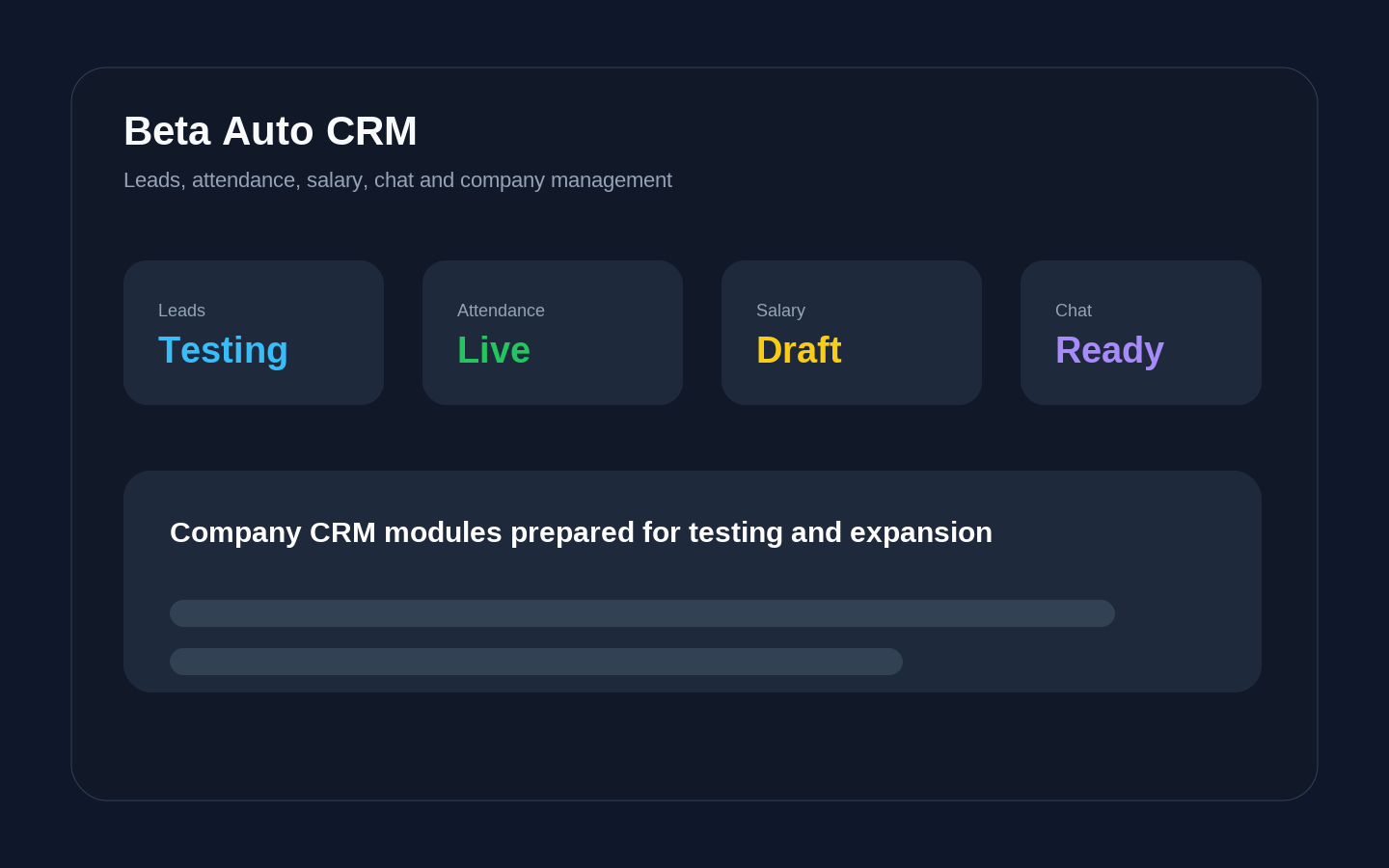
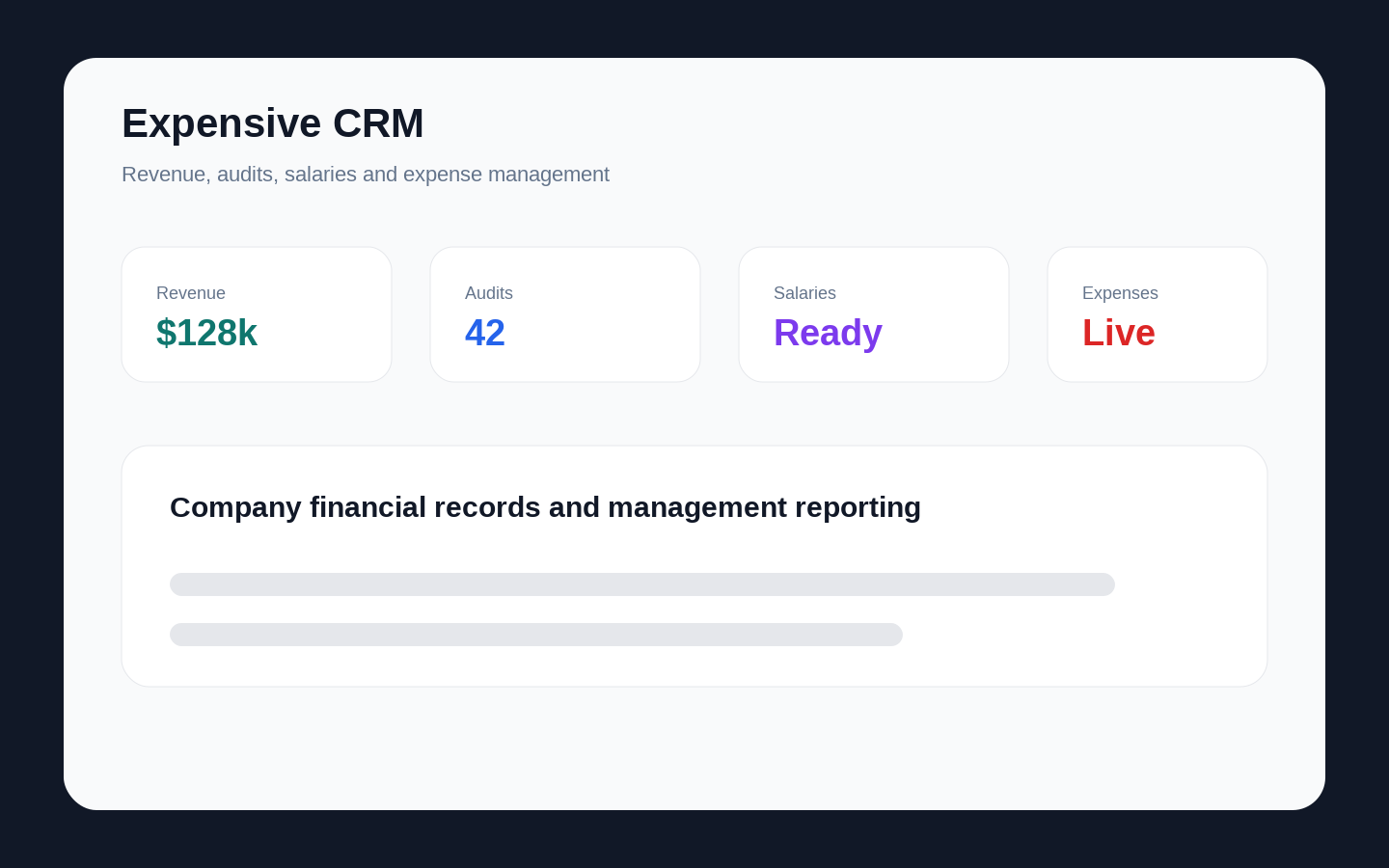
The domain modules are where a custom build shows its value, and also where scope creeps fastest. On Beta Auto CRM, leads sat alongside attendance, salary management and internal chat; on Expensive CRM the focus was revenue, audits, salaries and expenses rather than sales at all. Both worked because the extra modules were added around a stable core rather than built first.
- Leads and contacts with search, filters and saved views.
- Pipeline or status workflow with clear stage definitions.
- Ownership and assignment: who owns this record right now.
- Activities, notes and a full history of changes.
- Tasks, reminders and follow-up queues.
- Users, teams and role-based permissions.
- Dashboards and exportable reports.
- Imports, exports and an API for integrations.
04Designing the CRM data model
The data model is where custom CRM development succeeds or fails. Screens are cheap to change; a wrong relationship between records is expensive, because by the time you notice it there are tens of thousands of rows built on top of it.
Start by naming the real nouns of the business and how they relate. In the healthcare CRM the important chain was client, lead, agent, policy and carrier, with appointments and attendance hanging off the agent. In the call-centre CRM it was centre, client, agent and policy, with chargebacks and monthly figures calculated from those relationships. Neither of those maps cleanly onto "account, contact, opportunity".
I build these on PostgreSQL behind a Django backend because the CRM is fundamentally relational and needs constraints the database can enforce. A few rules I follow on every project are below.
- Separate the person from the lead. One person can generate several leads over time; merging them into one table makes history impossible to read.
- Store normalised phone and email alongside the raw values, indexed, so search and duplicate checks are fast.
- Keep status changes as an append-only history table, not just a current-status column. Reporting depends on it.
- Never hard-delete customer records. Soft-delete with who and when.
- Put the tenant or company on every row from day one if there is any chance of serving more than one business.
Ask "what will the monthly report need to know?" before you design a table. Most painful CRM rewrites come from history the system never stored.
05Pipelines, lead routing and assignment rules
A lead management system is only as good as its routing. When a new lead arrives — from a form, an import, an ad platform or an agent typing it in — the CRM has to decide who owns it, what stage it starts in, and what happens if nobody touches it.
Common routing strategies are round-robin across available agents, territory or language based routing, routing by lead source or product, and "first to claim" queues. In practice most teams need a combination, plus manual reassignment by a manager. Whatever the rule, make it visible: an agent should always be able to see why a lead landed on them.
For a CRM for small business, routing can be as simple as "new leads go to whoever is on shift, and the owner can reassign". That is fine. What matters is that the rule exists in the system rather than in one person's head, so it keeps working when that person is on holiday.
Stages need definitions, not just names. "Qualified" should mean something specific that two managers would agree on, otherwise your conversion reports are fiction. I usually push clients to write one sentence per stage before we build the board.
- Define entry and exit criteria for every pipeline stage.
- Set SLA timers: what happens if a new lead is untouched for an hour, or a day.
- Log every reassignment with who, when and why.
- Let managers override routing, but never silently.
06Data quality and duplicate detection
The highest-value feature in almost every CRM I have built was never on the requirements list: telling an agent that the customer they just typed in already exists. Duplicates mean two agents working one customer, paying twice for one lead, and reports that overcount everything.
My approach is to normalise phone and email at write time, match in tiers from strongest signal to weakest, warn rather than block, and require a reason for overrides. I covered the matching strategy, indexing and UX in detail in how to design duplicate detection in a CRM.
In the healthcare CRM, the duplicate-client alert removed a manual cross-check that agents and back office staff had been doing across several places before every new lead. That is the kind of feature that never shows up in a demo but changes how much people trust the system.
Data quality is also about validation that matches reality. Required fields that agents do not actually know at the time of entry produce fake data. Make fields required at the stage where the information genuinely exists, not on the first form.
07Integrations: email, telephony, forms and ads
A CRM that does not talk to the rest of your stack becomes a second place to type the same thing. The integrations that matter most are usually lead capture (website forms, landing pages, ad platform lead forms), email (sending, logging and sometimes inbox sync), telephony (click-to-call, call logs, recordings) and messaging, plus whatever system holds your money — billing, accounting or payroll.
Integrations are also where CRMs quietly break. A webhook fails at 2am, a provider changes a field, a sync runs twice and creates duplicates. I design every integration to be idempotent, retryable and observable, which I explain in building integrations that fail safely. If integrations are a big part of your project, my API development and integration service covers exactly this work.
In the healthcare CRM, one of the most useful "integrations" was not an API at all: AI-assisted extraction that reads client details from an uploaded screenshot and pre-fills the lead form. Sometimes the fastest path into the CRM is removing manual typing rather than connecting another system.
- Forms and ad lead forms: push into the CRM via webhook, run duplicate checks, then route.
- Email: log outbound messages against the record; decide early whether you need two-way inbox sync.
- Telephony: store call outcome and duration against the lead, and link recordings rather than copying them.
- Accounting and billing: sync status, not everything. Pick one system as the source of truth for each field.
08Roles, permissions and reporting
Every real CRM has at least four audiences: agents who work records, managers who supervise teams, finance or back office users who reconcile numbers, and administrators who configure the system. Each needs a different view of the same data, and some must never see certain fields at all.
I implement role-based access on the server, scoped by team or tenant, and then build the interface around it. Hiding a button in React is not security. In the healthcare CRM, administrators, admins, agents, finance and back office each had their own dashboards and permissions, all enforced by the Django backend.
Reporting comes last on purpose. Dashboards built on untrustworthy data teach people to ignore dashboards. Once routing, statuses and duplicates are under control, reports become simple queries over clean history — and that is when they actually get used. My notes on dashboards people actually use apply directly here.
09Migrating your data into a new CRM
Moving from spreadsheets or another CRM is usually the riskiest week of the whole project. Data that looked fine in a sheet turns out to have five spellings of the same status, phone numbers in three formats, and the same customer on four rows.
A safe migration has a field mapping document, a cleaning and normalisation step, deduplication, at least one full dry run into a staging copy, a planned cutover window and a rollback plan. On the multi-tenant call-centre CRM, uploading centre-wise and year-wise sheets and pulling records from other software was a core feature, not a one-off, so the import pipeline had to be repeatable and safe to run twice.
The other lesson from those imports is that migration is not only a launch event. Many businesses keep receiving spreadsheets from partners, centres or other software after go-live. Build the importer as a proper feature with mapping, validation, a preview and duplicate checks, and the initial migration becomes its first real test.
I wrote a step-by-step CRM data migration guide covering mapping, cleaning, dedupe, dry runs, cutover and rollback. If you read only one cluster article before starting a CRM project, make it that one.
Never migrate on the same day you train the team. If something looks wrong on day one, nobody can tell whether it is the data or their understanding of the new system.
10How much does custom CRM development cost, and how long does it take?
There is no honest single number, but the drivers are predictable. In my experience a focused first release — leads, pipeline, roles, basic reports, one or two integrations and a migration — typically takes somewhere around two to four months for a small team, and quotes in the market vary widely depending on where the developer is based and how much is in scope.
What moves the cost most is not the number of screens. It is the number of integrations, the complexity of permissions, the messiness of the data you are migrating, and how many calculated figures (commissions, chargebacks, projections) need to be exactly right. Each of those adds testing and edge cases.
For a broader view on budgeting, see how much a full stack developer costs. The cheapest way to control cost is to ship a narrow first release to real users quickly and let their usage decide what comes next.
- Number and reliability of integrations.
- Depth of roles, permissions and multi-tenancy.
- Volume and messiness of migrated data.
- Financial or commission calculations that must be exact.
- Real-time features such as live dashboards, chat or monitoring.
- Mobile apps versus a responsive web app.
11Choosing a CRM developer and working with me
When you hire a CRM developer, look for someone who asks about your pipeline, your reports and your messiest spreadsheet before they talk about technology. Ask to see CRMs they have shipped to real users, how they handled duplicates and migrations, and what they would deliberately leave out of the first release.
I am a full stack developer working remotely from Pakistan with clients worldwide, and CRMs are the kind of system I build most often — React or Next.js on the front, Django and PostgreSQL on the back. You can see the healthcare lead generation CRM case study and the multi-tenant FE CRM for the kind of work involved.
If you are weighing a custom build, have a look at my custom CRM development service or the narrower lead management system service, then get in touch with a short description of your current process. I will tell you honestly whether you need custom CRM software or a well-configured off-the-shelf tool.