01How to use this CRM features checklist
Every feature in a CRM costs more than its build time. It needs testing, permissions, a place in reports and support when it breaks. The goal of a first release is not completeness; it is getting real users onto a system they trust, then letting their usage decide what comes next.
I split features into two columns. Must-have means the CRM is unusable or untrustworthy without it. Nice-to-have means valuable, but your team can work without it for a few months. This checklist is a companion to my complete guide to custom CRM development, which covers the data model and architecture behind these modules.
Use it in a scoping workshop: go module by module, and for every nice-to-have item ask "what do we do today without it?" If the answer is "something slightly slower", it waits.
02Leads and contacts
This is the module agents live in, so speed and accuracy matter more than breadth. A slow or cluttered lead form is felt hundreds of times a day.
The most common mistake I see here is a lead form with every field the business might ever want. Agents do not know half of them on the first call, so they type placeholders, and the data becomes worse than if the field did not exist. Ask for what is known at entry, and collect the rest at the stage where it genuinely becomes available.
- Must-have: create, edit and view leads and contacts with only the fields known at entry time.
- Must-have: fast search by name, phone and email, with normalised matching.
- Must-have: duplicate warnings as the agent types, with the matching record and its owner shown.
- Must-have: filters and saved views ("my new leads", "untouched for 24 hours").
- Must-have: soft delete and a change history for every record.
- Nice-to-have: custom fields that admins can add without a developer.
- Nice-to-have: AI-assisted data entry, such as extracting details from an uploaded screenshot or document.
- Nice-to-have: record merge tools for cleaning up historical duplicates.
Duplicate detection belongs in the must-have column, even though clients rarely ask for it. I explain why in designing duplicate detection for a CRM.
03Pipeline, stages and lead routing
The pipeline is your sales process written down. If the stages are vague, every report built on them will be too. Routing decides who works each lead, which is the core of any lead management system.
Resist multiple pipelines in the first release unless you genuinely run separate processes. One well-defined pipeline that everyone understands produces better reports than three loosely defined ones that each team interprets differently.
- Must-have: defined stages with clear entry and exit criteria.
- Must-have: record ownership and assignment, with reassignment logged.
- Must-have: one routing rule that matches how you work today (round-robin, by source, or manual queue).
- Must-have: status history stored as events, so you can report on time in stage.
- Nice-to-have: multiple pipelines for different products or teams.
- Nice-to-have: SLA alerts when leads sit untouched too long.
- Nice-to-have: drag-and-drop kanban board view.
- Nice-to-have: weighted forecasting by stage probability.
04Activities, tasks and communication
A CRM should answer "what happened with this customer, and what happens next?" in one screen. That means activity logging and tasks are core, while full communication suites can come later.
- Must-have: notes and activity log on each record, timestamped with the user.
- Must-have: tasks and follow-up reminders with due dates and owners.
- Must-have: a "my tasks today" view for each user.
- Nice-to-have: logging outbound emails and calls automatically.
- Nice-to-have: two-way email inbox sync.
- Nice-to-have: click-to-call and call recording links.
- Nice-to-have: internal chat between team members.
- Nice-to-have: email templates and sequences.
05Users, roles and permissions
Permissions are cheap to design early and expensive to retrofit. Even a small team usually has agents, managers and an administrator, and many have finance or back office users who need different views of the same records.
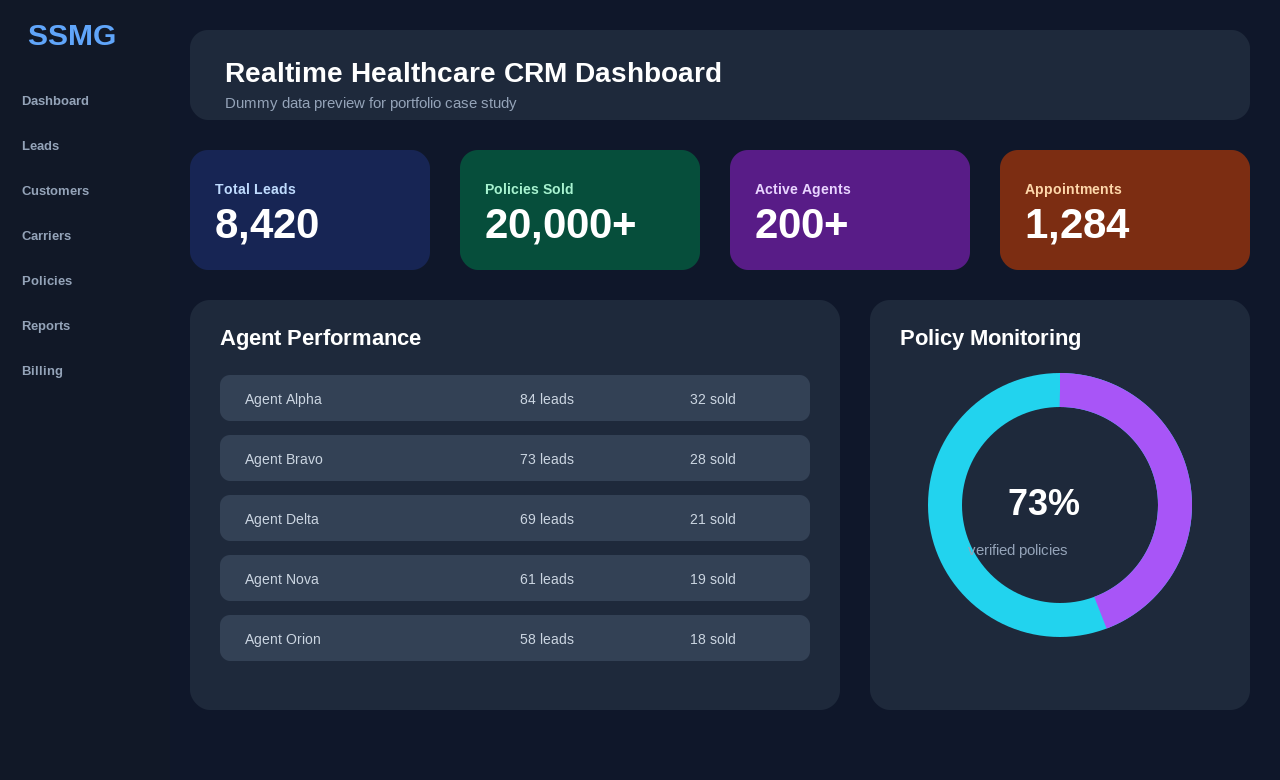
In the healthcare CRM I built, administrators, admins, agents, finance and back office users each had their own access and dashboards. None of that was complicated individually, but it only stayed manageable because roles were part of the data model from the first week.
- Must-have: authentication with secure password handling and session management.
- Must-have: roles enforced on the server, not just hidden in the interface.
- Must-have: data scoping by team, branch or tenant where relevant.
- Must-have: an audit trail of who changed what.
- Nice-to-have: single sign-on with Google or Microsoft.
- Nice-to-have: two-factor authentication (must-have if you hold sensitive personal data).
- Nice-to-have: field-level permissions for sensitive fields such as revenue or salaries.
- Nice-to-have: attendance and active-time tracking for agent teams.
06Reporting and dashboards
Reports are what managers judge the CRM by, but they are only as good as the data underneath. In release one, aim for a handful of reports people already produce by hand, rebuilt from clean data. Fancy analytics come once those numbers are trusted.
A practical test: collect the spreadsheets and summaries your managers currently assemble every week or month. Each one that the new CRM can reproduce automatically is a must-have report. Anything nobody produces today, however impressive in a demo, can wait until someone asks for it twice.
- Must-have: leads by stage, by owner and by source, filterable by date range.
- Must-have: conversion and activity counts per agent or team.
- Must-have: CSV or Excel export of any filtered list.
- Nice-to-have: real-time dashboards and live monitoring screens.
- Nice-to-have: scheduled reports by email.
- Nice-to-have: custom report builder for managers.
- Nice-to-have: projections and forecasting views.
07Integrations, imports and data operations
A CRM that cannot get data in safely will be bypassed. Imports and at least one lead capture integration are usually must-haves, because they replace the spreadsheet workflow your team uses today. Plan the initial load using a proper CRM data migration process rather than a one-off script.
- Must-have: CSV or Excel import with column mapping, validation and a preview before commit.
- Must-have: duplicate checks on imported rows, not just manual entry.
- Must-have: a webhook or API endpoint for website and landing-page forms.
- Must-have: backups and a tested restore process.
- Nice-to-have: ad platform lead form integrations.
- Nice-to-have: accounting, billing or payroll sync.
- Nice-to-have: a public API with keys for partners.
- Nice-to-have: scheduled imports from other software.
08Turning the checklist into a first release
Once you have marked every item, count the must-haves. If the list is long, you probably have two products in one: an operational CRM and something else, like payroll, chat or billing. Split them and ship the CRM first.
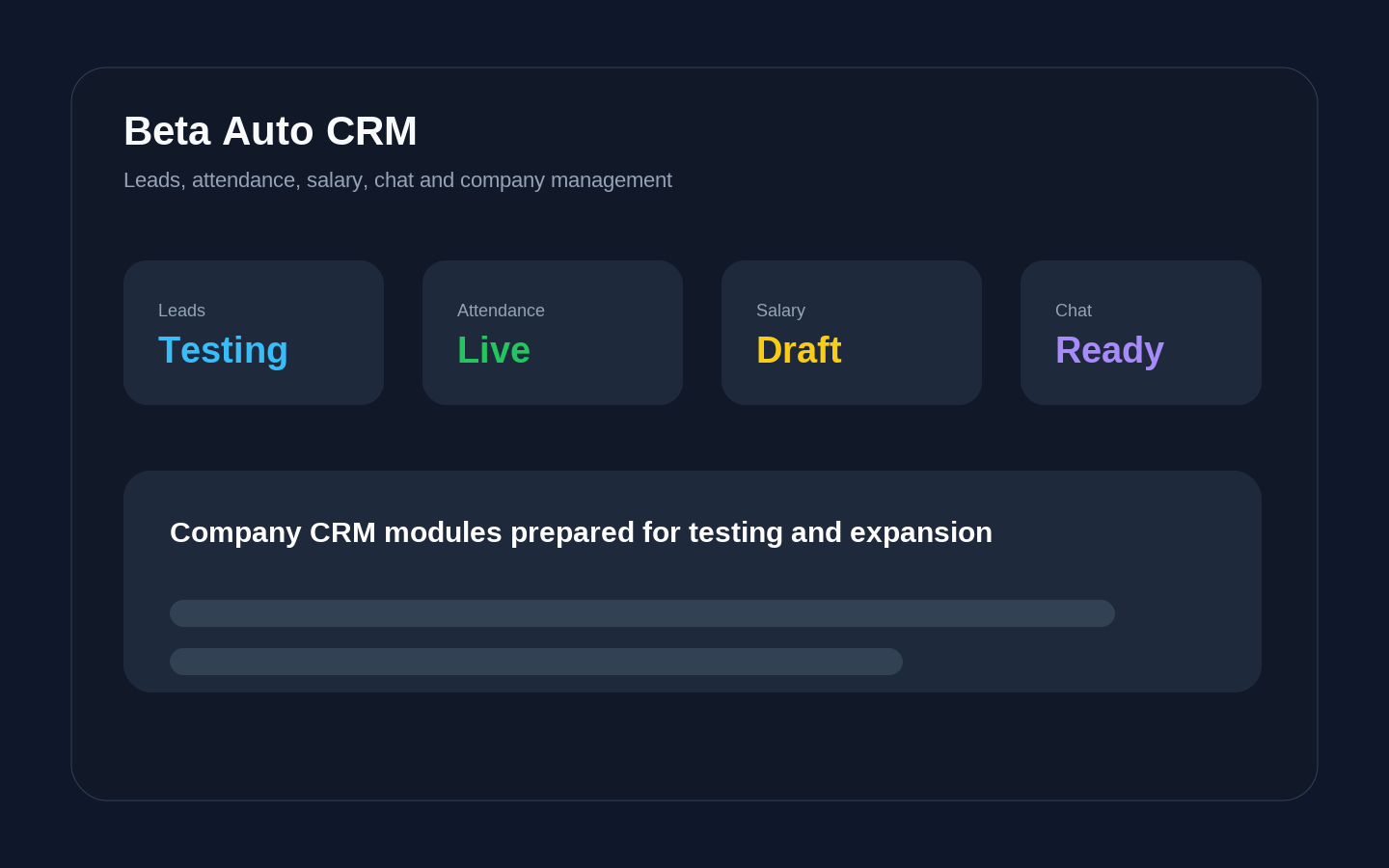
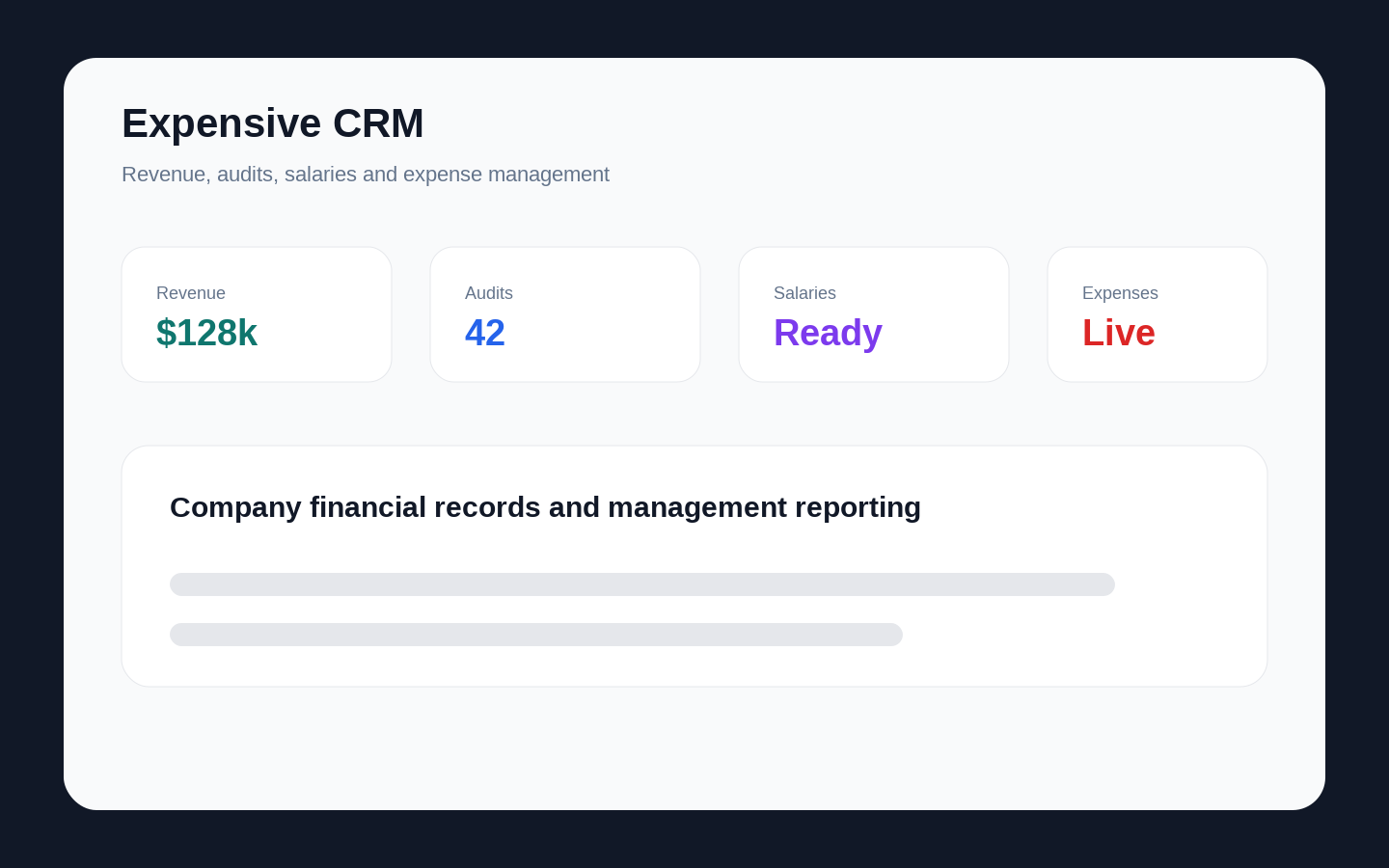
On the CRMs I have built, the extra modules — attendance, salaries, chat, revenue and audits — were valuable, but they were added around a stable core of leads, ownership, roles and reporting. That order matters. If you want help prioritising, my CRM development service starts with turning a list like this into a release plan, and if you are still undecided whether to build at all, read custom CRM vs Salesforce and HubSpot first.
A rule of thumb: if a feature has no owner on your team who will check it weekly, it is not a must-have.