01The problem with page numbers
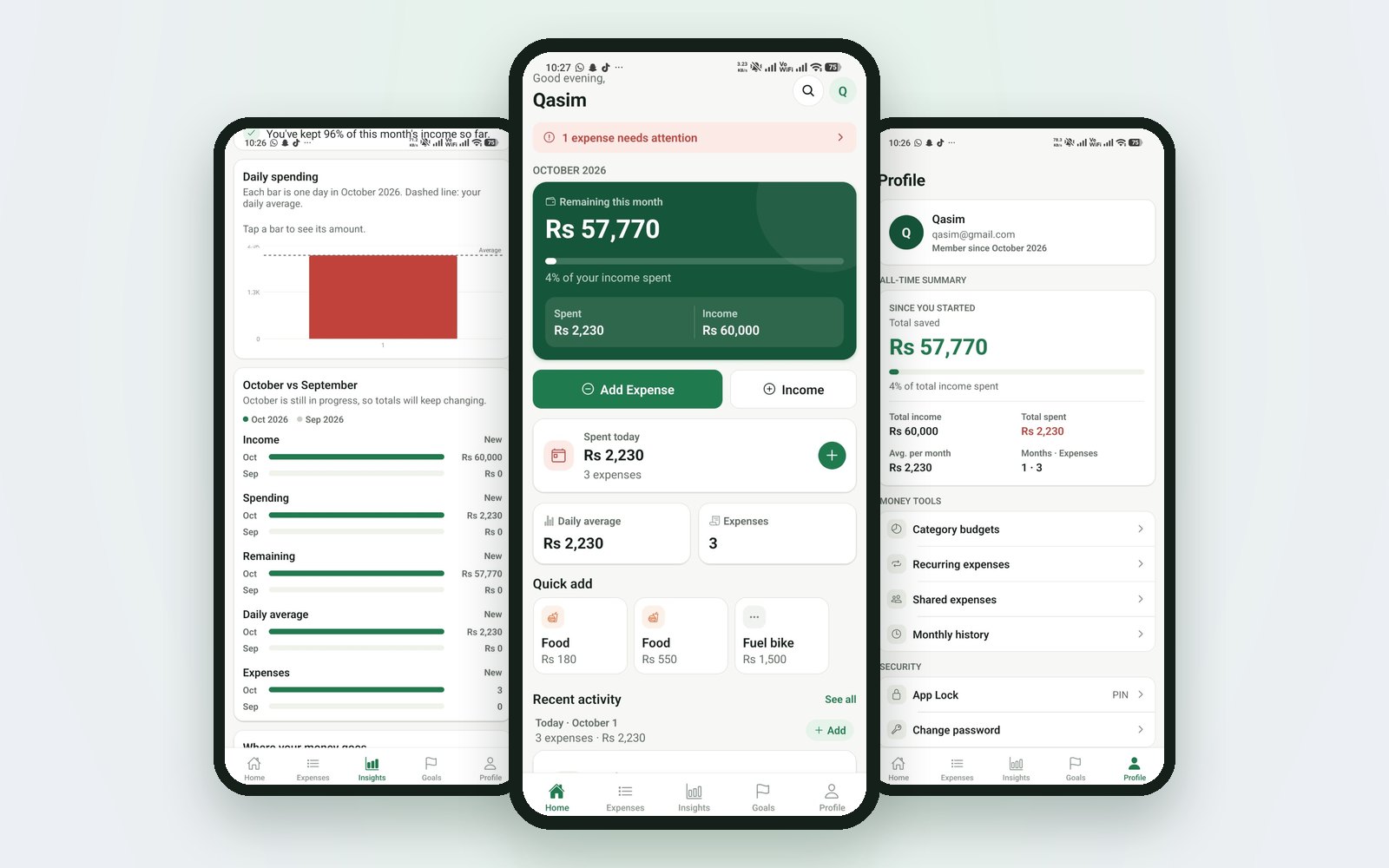
Spendora lets users search every expense they have ever recorded — notes, custom category names, categories and income sources — with filters for category, date, amount and source. Results load 30 at a time as you scroll.
The default way to paginate in Django REST Framework is LIMIT and OFFSET. It is easy, and it gets slower the deeper you go: to return page 50, the database still has to walk past the first 1,470 rows. Worse, if a new expense is added while you scroll, every later page shifts by one, so you see one result twice or miss one entirely.
OFFSET pagination is a performance problem and a correctness problem at the same time.
02Keyset pagination on (date, id)
Keyset — or cursor — pagination asks a different question. Instead of "skip 1,470 rows", it asks "give me the next 30 rows after the last one I saw". Spendora orders results by date descending, then ID descending as a tie-breaker, so the order is total and stable.
The cursor is simply the date and ID of the last row on the current page, encoded opaquely. The next query filters for rows strictly before that pair. Because new expenses sort above the cursor, they never shift later pages — no gaps, no duplicates.
- A composite index on (user, -date, -id) matches the sort exactly, so each page is an index range scan.
- Category and amount filters have their own composite indexes, so filtered searches stay on an index too.
- The response returns next_cursor; the client never builds page numbers.
03Text search that does not scan the table
A search box usually becomes an icontains query — a case-insensitive LIKE with a leading wildcard, which a normal B-tree index cannot help with. On a large table that means a full scan on every keystroke.
On PostgreSQL, Spendora adds a trigram GIN index using the pg_trgm extension. Trigram indexes break text into three-character chunks, which lets PostgreSQL answer "contains this word" queries from the index. Locally, the same code falls back to SQLite without the index, so development stays simple.
04Count once, not on every page
The results bar shows how many expenses match and their total amount. Counting and summing are the expensive parts of a search, and the answer does not change as you scroll.
So count and total are returned only on the first page. Later pages return just the rows and the next cursor. Tests also assert a fixed number of database queries per request, so a future change cannot quietly reintroduce an N+1 query on the related income source.
05The client half of fast search
A fast API can still feel slow if the app fires a request for every letter typed, or if an older, slower response arrives after a newer one and overwrites it.
- Input is debounced by 300 ms, and the keyboard search key applies immediately.
- Each new search cancels the previous in-flight request, so results never flicker back to an older word.
- Results render in a virtualised FlatList, so thousands of rows do not mean thousands of mounted views.
06The numbers
Measured on 20,000 expenses in SQLite during development: the first page of results in about 10 ms, a text search in about 34 ms, and a deep page in about 6 ms. A deep page is faster than the first because it skips the count and total.
None of these techniques are exotic. They are the difference between a search that works in a demo with 50 rows and one that still works after a user has been tracking their spending for five years.